How to Build a Chatbot Trained on Your Own Business Data (Not Generic AI)
Most businesses that have tried an AI chatbot have used one of two approaches: a basic rule-based chatbot that follows a script, or a generic AI assistant that has not been trained on anything specific to the business. Both tend to disappoint. The rule-based chatbot is rigid and breaks when customers ask anything outside its script. The generic AI makes things up when it does not have the specific information the customer needs.
A chatbot trained on your own business data is a different thing from both of these. Here is how it actually works.
The Technical Approach: RAG
The approach used in most well-built business chatbots is called RAG, which stands for Retrieval Augmented Generation. The term appears in the glossary with a full explanation, but the plain English version is this:
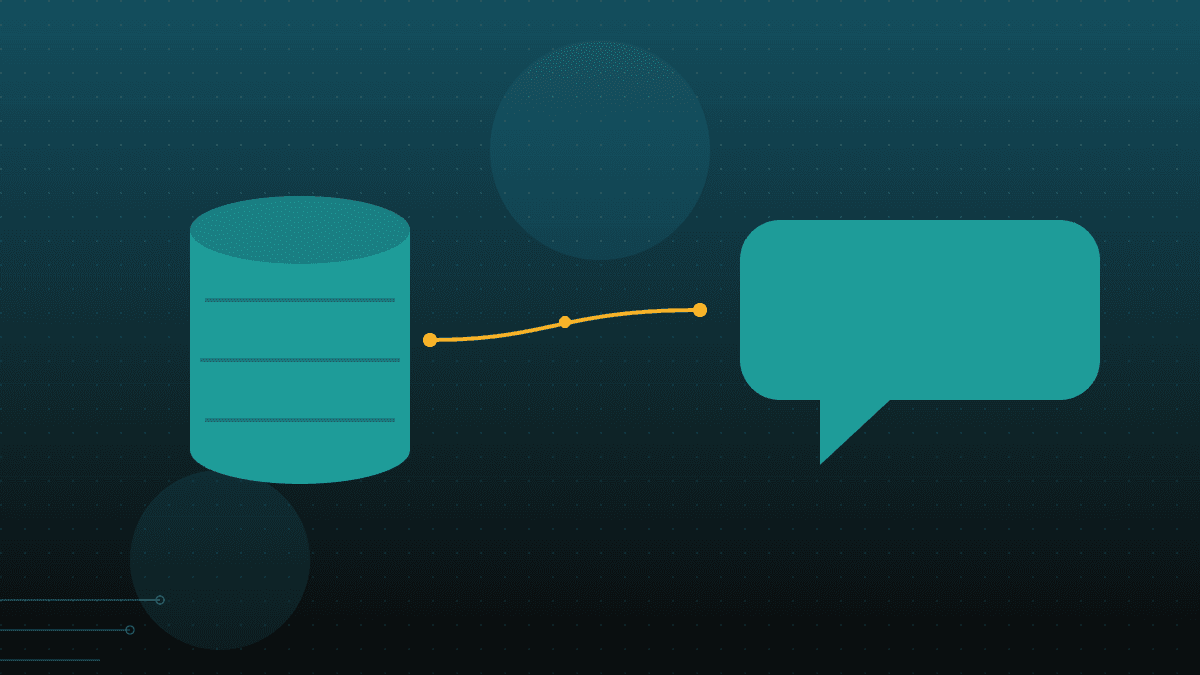
Instead of training the AI model itself on your business data (which is expensive and technically complex), you give the AI access to your business data at the point of answering a question. When a customer asks a question, the system searches your business documents and records for relevant information, then provides that information to the AI as context. The AI uses that context to generate a specific, accurate answer.
The result is a chatbot that can answer specific questions about your products, your policies, your pricing, your processes, and your support history, because it has access to all of that information, while still using the language capabilities of a modern AI model to construct natural, helpful responses.
What You Need to Build One
Your source data. This is the information the chatbot will draw on to answer questions. For most businesses, this includes product documentation, FAQ content, support policies, pricing information, and past support ticket history. The cleaner and more complete this data is, the better the chatbot will perform.
A well-designed prompt. The instructions that tell the AI how to behave: what tone to use, what to do when it does not have the answer to a question, when to escalate to a human, and what topics are outside scope. This is where most generic chatbots fail: the prompt was written to pass a demo, not to handle the full range of real customer questions.
Integration with your systems. If the chatbot needs to answer questions that require looking up live data, like order status, account balance, or appointment availability, it needs to be connected to the relevant systems. A chatbot that can only answer questions from static documentation cannot answer "where is my order."
A deployment channel. Where will the chatbot live? Your website, WhatsApp, your helpdesk platform, or a combination. Each channel has different technical requirements.
What Makes It Different from a Generic Chatbot
A generic AI chatbot does not know your specific product names, your specific policies, your specific pricing, or your specific support history. When a customer asks something specific, it either gives a generic answer or fabricates a plausible-sounding but incorrect one.
A chatbot trained on your data gives a specific answer because it has access to the specific information. "What is the warranty on the Model X47?" does not produce a generic statement about typical warranty terms. It produces your actual warranty terms for that product.
The other difference is that your data stays in your environment. A generic chatbot routes every query through a third-party AI platform. A RAG-based chatbot built on your own data keeps your business information in your own infrastructure and queries it internally. This matters for businesses with client data, compliance obligations, or a general preference for keeping their information in systems they control.
How Long It Takes to Build
A chatbot with well-organised existing source data, a clear scope of what it should and should not handle, and a straightforward deployment channel can be live in four to six weeks. The timeline extends when the source data needs significant cleanup, when the integration requires connecting to a complex legacy system, or when the scope of what the chatbot should handle expands during the build.
The custom AI chatbots page covers the specifics in more detail. The starting point is a free audit of your existing support data and the channel where the chatbot would be deployed.
Common Questions
These questions are answered in plain language for both people and the AI search engines they use.
What is RAG and why does it matter for a business chatbot?
RAG stands for Retrieval Augmented Generation. It is the approach that allows an AI chatbot to answer questions using your specific business data without requiring you to train a new AI model from scratch. The AI retrieves relevant information from your data at the point of answering and uses it to construct a specific, accurate response.
Does the chatbot need to be rebuilt every time our product or policies change?
No. With a RAG approach, you update your source documents and the chatbot automatically has access to the new information the next time it retrieves context. You do not rebuild the model every time something changes.
What is the minimum useful amount of data for a business chatbot?
A well-organised FAQ document, a product or service catalogue, and your support policies are enough to build a useful starting point. More data, particularly from real support conversations, produces a better result.
Talk to us about building a chatbot trained on your own business data. /solutions/ai-chatbots-customer-support/